

Quickstart Guide
Get DearScenario Player running in a few minutes: launch the player, open the Web Console, and use its Maintenance setup surface for a test clip before handing playback authority to your show-control system.
1. Launch the player
Windows
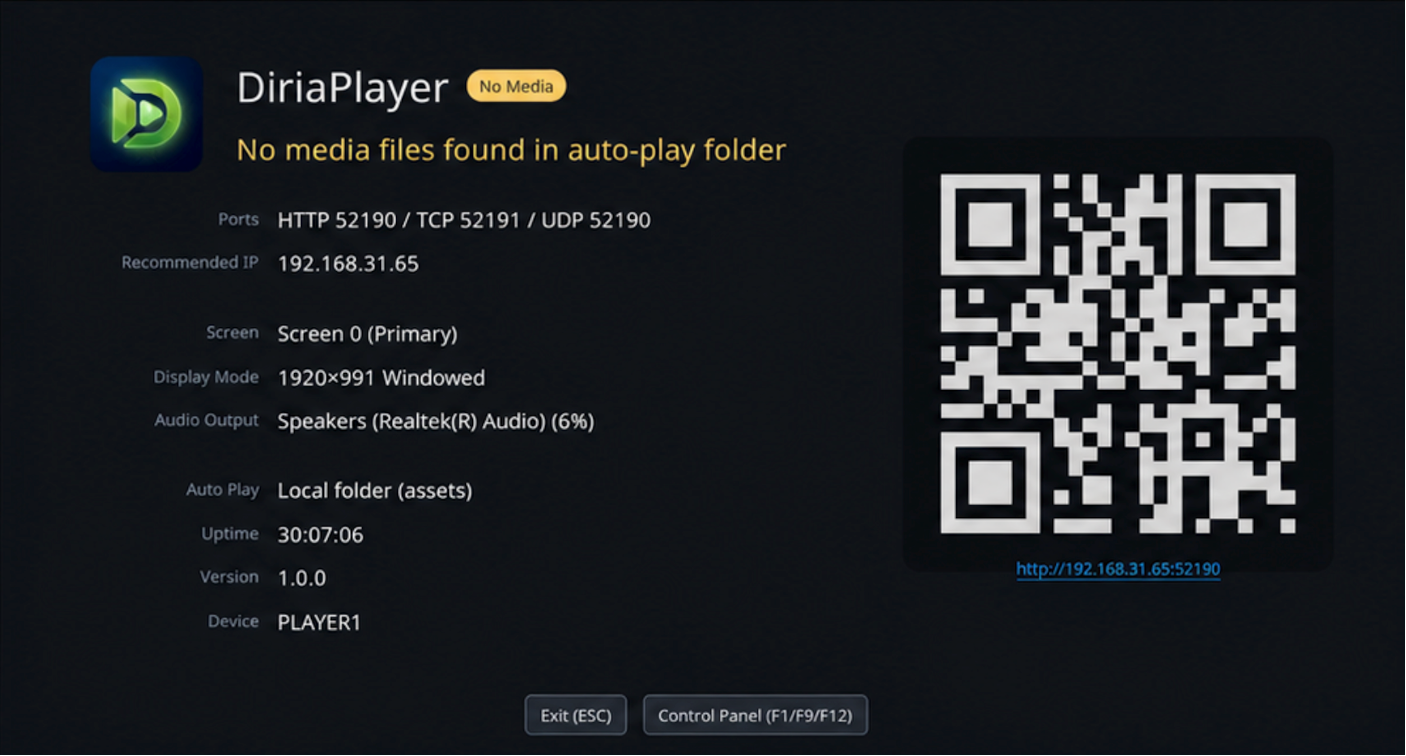
Start dearscenario-player.exe --maintenance for installation setup. If the player is in idle mode, it may show a black screen or a diagnostic idle screen depending on configuration. Press F1, F9, or F12 to toggle the local debug panel.
Raspberry Pi
Start the player with dearscenario-player --maintenance for installation setup. On first run it opens fullscreen. Press F1, F9, or F12 to toggle the local debug panel when a keyboard is attached.
2. Prepare media
DearScenario Player ships a test video next to the executable. Use the absolute
install path; relative load sources resolve under media_root (default
./assets), so samples/... is not the bundled demo.
<install-dir>/samples/BigBuckBunny_Sample.mp43. Open Web Console
Open the player in a browser on the same machine or on the same LAN:
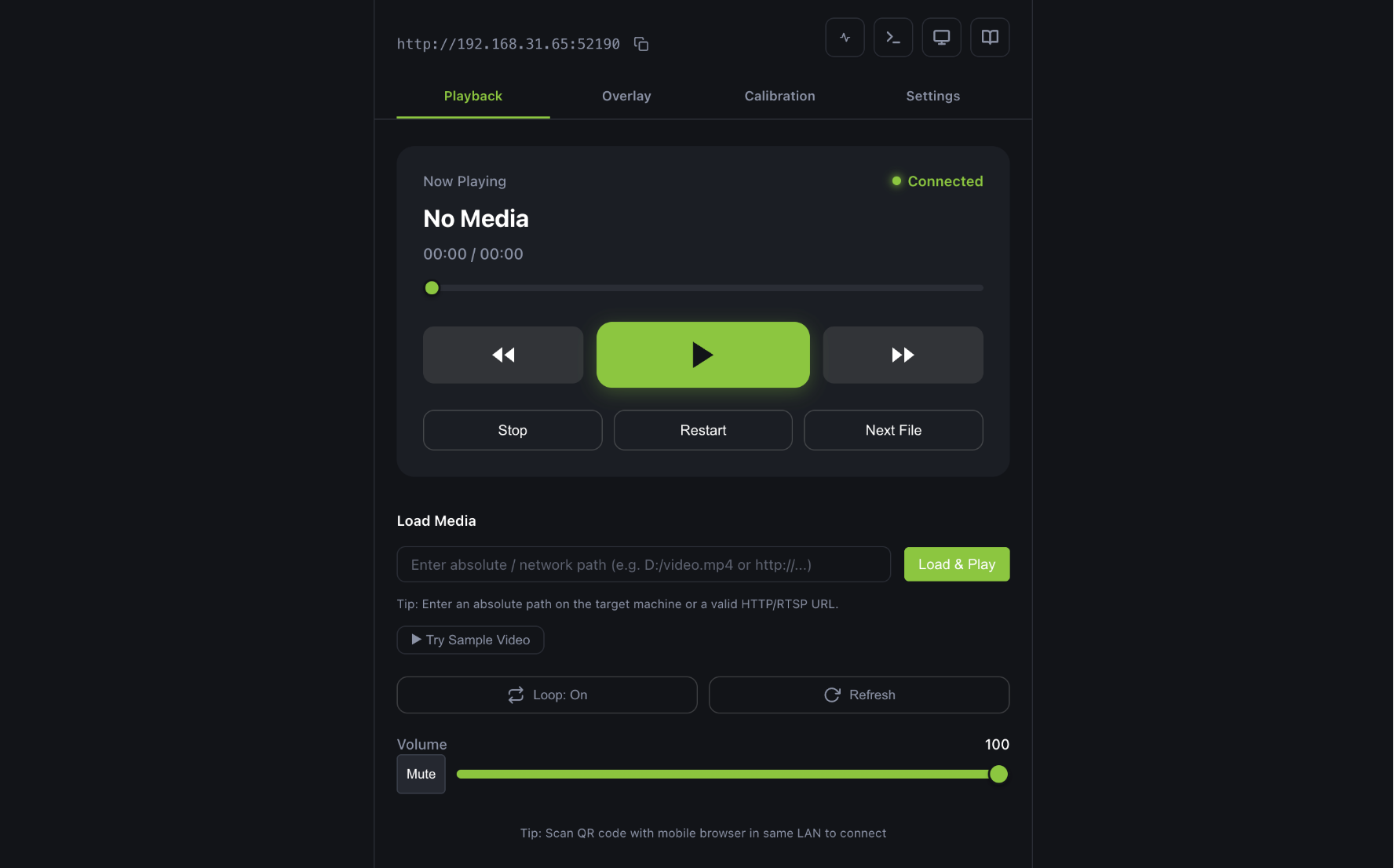
http://<player-ip>:18290You can also scan the QR code displayed on the player screen with your phone to open the Web Console.
4. Control playback
There are a few ways to start playback:
- Load Media — In a Maintenance Web Console, paste the absolute sample path (or any
media_root-relative / network source) and click Load & Play. Normal mode is intended to wait for the show-control system and does not expose the bundled sample. - HTTP API — Send a load + play from your machine:
curl
curl -X POST http://<player-ip>:18290/api/command \
  -H "Content-Type: application/json" \
  -d '{"cmd":"play_media","params":{"source":"C:/DearScenario Player/samples/BigBuckBunny_Sample.mp4"}}'
curl -X POST http://<player-ip>:18290/api/command \
  -H "Content-Type: application/json" \
  -d '{"cmd":"play","params":{}}'
Python
base = "http://<player-ip>:18290/api/command"
requests.post(base,
              json={"cmd": "play_media", "params": {"source": "C:/DearScenario Player/samples/BigBuckBunny_Sample.mp4"}},
              timeout=5)
print(requests.post(base, json={"cmd": "play", "params": {}}, timeout=5).json())
JavaScript
const base = "http://<player-ip>:18290/api/command";
await fetch(base, {
  method: "POST",
  headers: {"Content-Type": "application/json"},
  body: JSON.stringify({cmd: "play_media", params: {source: "C:/DearScenario Player/samples/BigBuckBunny_Sample.mp4"}}),
});
const res = await fetch(base, {method: "POST", headers: {"Content-Type": "application/json"}, body: JSON.stringify({cmd: "play", params: {}})});
console.log(await res.json());
For more API commands, see the Control section.
Previous / Next
- Previous: Download & Install
- Next: Control Overview